

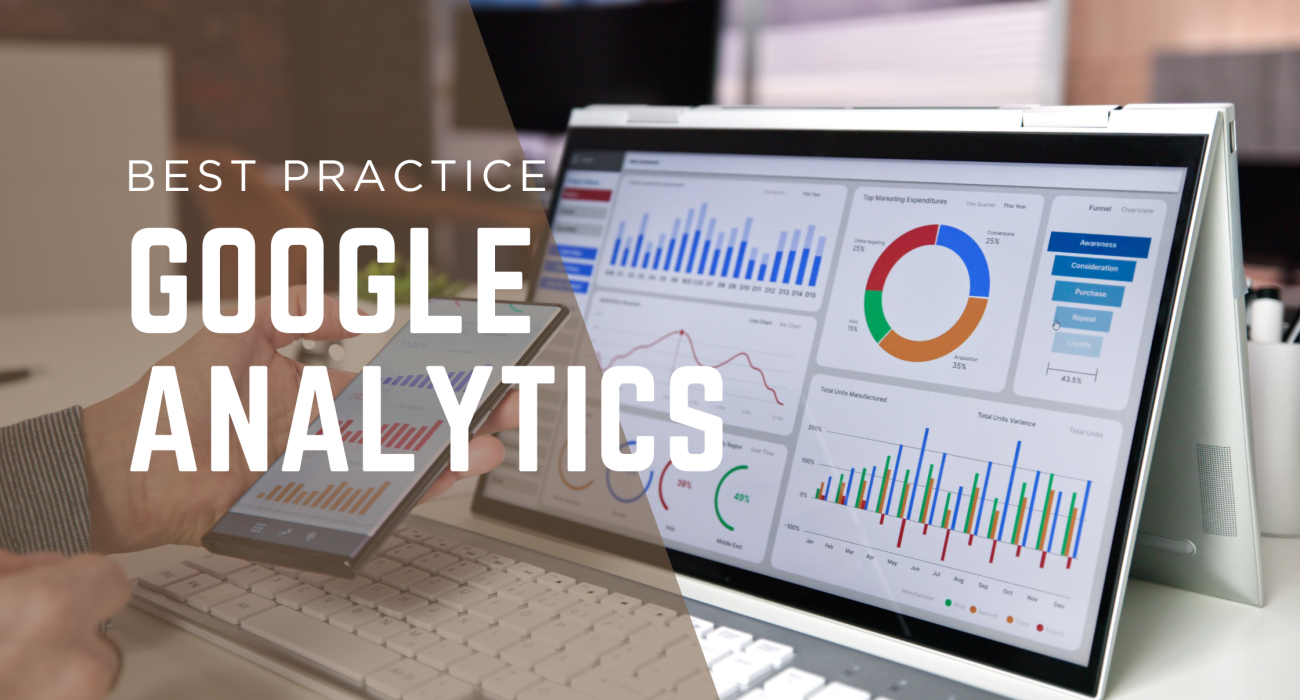
Running a business without data is like driving with your eyes closed. You need insights to make smart decisions, improve your marketing, and ultimately grow. That’s where Google Analytics comes in—a powerful (and free!) tool that helps you understand how people interact with your website. But here’s the catch: most businesses don’t use it to its full potential.
If you’re just glancing at page views and calling it a day, you’re leaving valuable insights on the table. In this guide, we’ll show you how to dig deeper, track what truly matters, and turn data into action.
Step 1: Set Up Google Analytics Properly
Before you can analyse anything, you need to make sure Google Analytics is correctly installed and tracking the right data.
Create a Google Analytics account – Head over to the Google Analytics website and sign up.
Install the tracking code – This unique code needs to be placed on every page of your website. If you use WordPress, Shopify, or another platform, there are plugins to help with this.
Set up goals and events – What actions matter most to your business? Form submissions, purchases, video views? Setting up Goals and Events helps you track meaningful user actions.
Tip: Make sure you link Google Analytics to Google Search Console to see SEO insights alongside your traffic data.
Step 2: Understand the Key Reports
Google Analytics offers tons of data, but you don’t need to track everything. Focus on these essential reports:
Real-Time Reports
Want to see what’s happening on your site right now? This report shows you how many visitors are active and what they’re doing. It’s great for tracking the impact of a new blog post or ad campaign.
Audience Reports
Who are your visitors? Where are they from? What devices do they use? Knowing this helps you create better content and marketing strategies tailored to your audience.
Acquisition Reports
Find out how people land on your website—Google, social media, email, or paid ads? This report helps you see which marketing channels drive the most valuable traffic.
Behaviour Reports
What pages are people visiting? How long are they staying? Where are they dropping off? Behaviour reports reveal how engaging your website is and highlight areas for improvement.
Conversion Reports
How many visitors are taking action—whether that’s signing up for a newsletter, making a purchase, or requesting a quote? These reports show your business’s real ROI from website traffic.
Step 3: Use Advanced Features to Supercharge Your Strategy
Once you’re comfortable with the basics, take your analytics to the next level.
- Custom Dashboards – Set up a dashboard with the key metrics that matter most to your business. No need to sift through endless reports!
- Audience Segmentation – Want to know how mobile users behave vs. desktop users? Or how new visitors compare to returning ones? Segmentation helps you get granular insights.
- E-Commerce Tracking – If you run an online store, you need this feature. It tracks product performance, sales, and customer behaviour to help you boost revenue.
Real-World Example: How Levi’s Used Data to Predict Trends
You might think fashion trends come from designers’ instincts, but Levi Strauss & Co. proved otherwise. They used data analytics to identify a growing demand for looser jeans before it became a mainstream trend.
By analysing search data, sales trends, and social media conversations, Levi’s spotted a shift towards relaxed fits across multiple demographics. They used this insight to ramp up production and fine-tune their marketing campaigns. The result? A 15% increase in loose-fit sales—all thanks to smart data usage.
Key takeaway: Data can help you make business decisions before trends become obvious to competitors.
Quick Reference: Google Analytics Features & Benefits
| Feature | Why It Matters |
|---|---|
| Real-Time Reports | See what users are doing on your site right now |
| Audience Reports | Understand visitor demographics, interests, and behaviour |
| Acquisition Reports | Track where your traffic is coming from (SEO, social, ads, etc.) |
| Behaviour Reports | Discover which pages keep users engaged (and which need work) |
| Conversion Reports | Measure key actions like sign-ups and purchases |
| Custom Dashboards | Get a quick view of your most important metrics |
| Segmentation | Analyse specific groups of users (e.g., mobile vs. desktop) |
| E-Commerce Tracking | Track online store sales and customer journey |
Final Thoughts: Turn Your Data into Action
Google Analytics isn’t just a reporting tool—it’s your secret weapon for business growth. If you take the time to set it up correctly, track the right data, and use insights to improve your website and marketing, you’ll see real results.
Need help making sense of your analytics? At Jacobs Creative Media, we specialise in turning raw data into actionable strategies that help businesses grow. Get in touch with us today to start making smarter marketing decisions!